About in.touch 2 and app compatibility
Last updated About 1 year ago
Overview
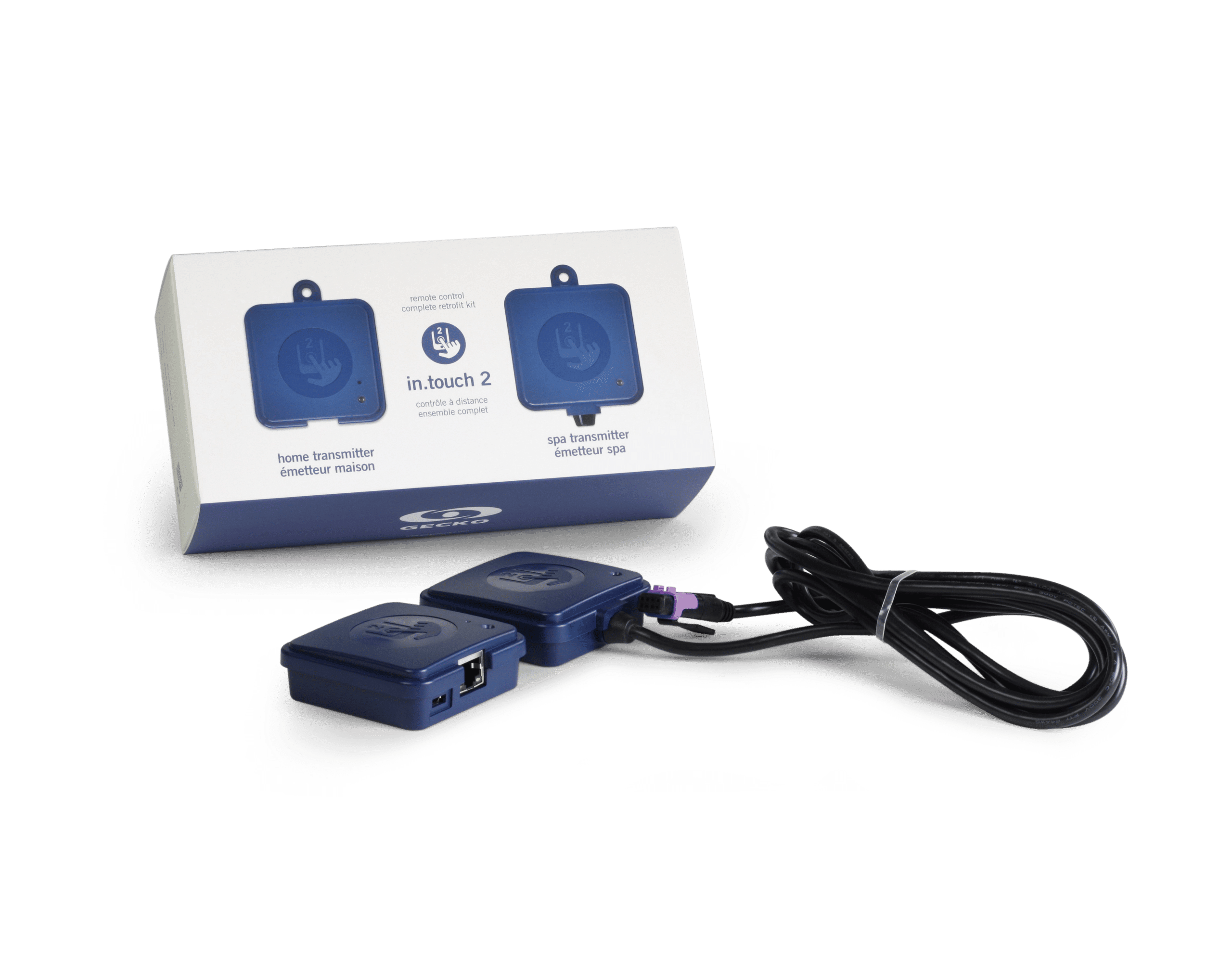
If you already have an older in.touch 2 module installed on your spa, it’s important to know that it is not compatible with the Gecko App used by the new in.touch 3 and in.touch 3+ systems. The in.touch 2 uses a different mobile app and cloud platform.
How to identify an in.touch 2 module
You can easily check which version you have by looking at the EN (home) module label:
The label clearly says “in.touch 2”
The label does not have a QR code printed on it
The EN module shape looks similar to in.touch 3, but lacks the QR code.
If you see “in.touch 3” or “in.touch 3+” on the label, or a visible QR code, you have the newer version that works with the Gecko App.
💡 Tip: The QR code on in.touch 3 modules is used to link your device easily to the Gecko App during setup.
Which app should I use?
in.touch 3 and in.touch 3+ → Use the Gecko App (available on the App Store and Google Play).
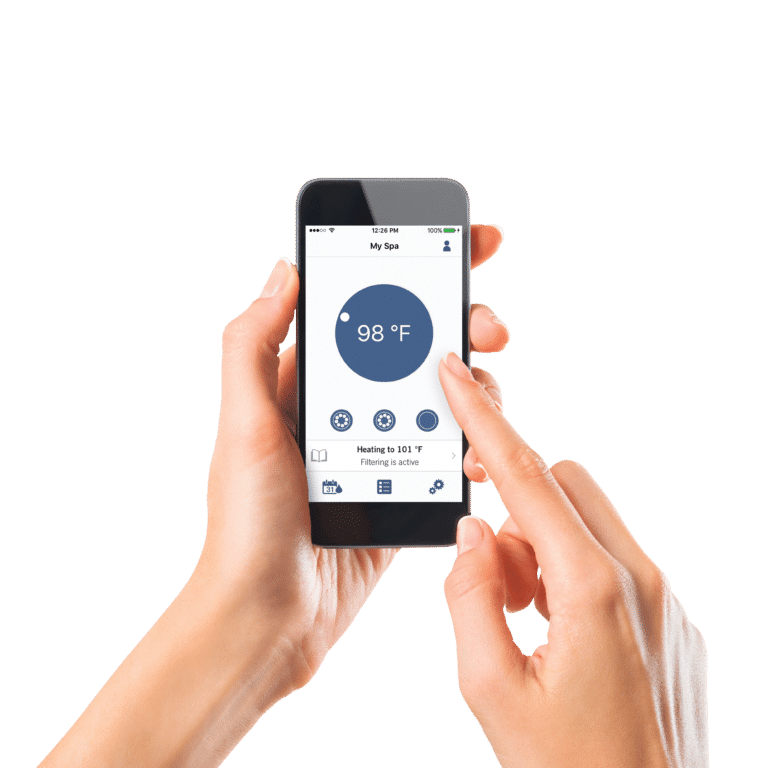
in.touch 2 → Use the in.touch 2 app, which is available for download on iOS and Android but does not connect to the Gecko App ecosystem.
Upgrading from in.touch 2 to in.touch 3
If you want to use the Gecko App and benefit from new features, you’ll need to upgrade your hardware to an in.touch 3 or in.touch 3+ module.
Was this helpful?
Still need help? Ask the team