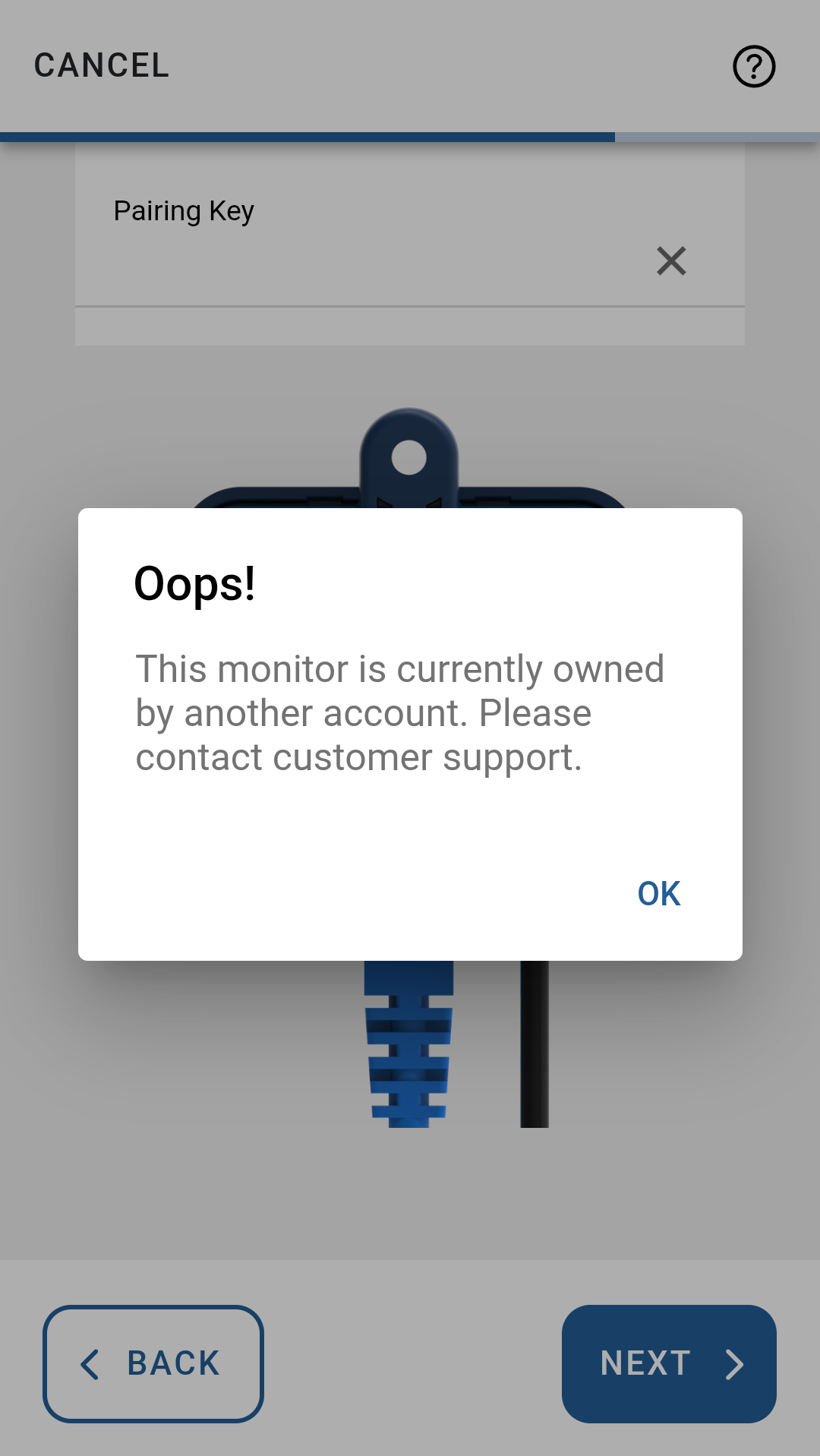
“This monitor is currently owned by another account” error
Last updated 10 months ago
Overview
You may see this error during setup after entering the pairing key. It means the in.touch device is still linked to a different Gecko account, so it can’t be added to yours yet.
Why this happens
The spa or in.touch 3 unit was previously paired to another user.
The device was not removed from the previous owner’s account.
This is common with used spas or after ownership changes.
What to do
Option 1: Ask the previous owner
If possible, ask the previous owner to:
Open the Gecko app
Remove the spa from their account
Once it’s removed, restart the setup and enter the pairing key again.
Option 2: Contact Support
If you can’t reach the previous owner, our Support team can help release the device.
💡 Tip: Include the serial number, device details, and a brief explanation that you’re seeing the “owned by another account” message to speed things up.
Important
⚠️ Notice: A factory reset alone does not remove account ownership. The device must be released from the original account before it can be paired again.
Was this helpful?
Still need help? Ask the team